Editor Configuration
PhpStorm
Syntax Highlighting
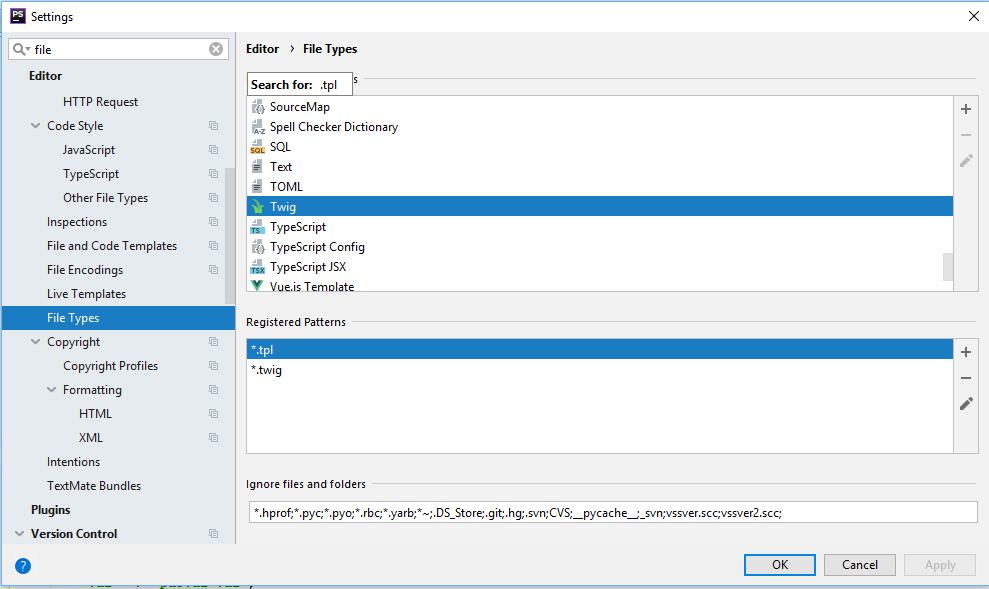
In Settings, under the File Types section, configure Twig syntax highlighting for .tpl file extensions.
Plugin
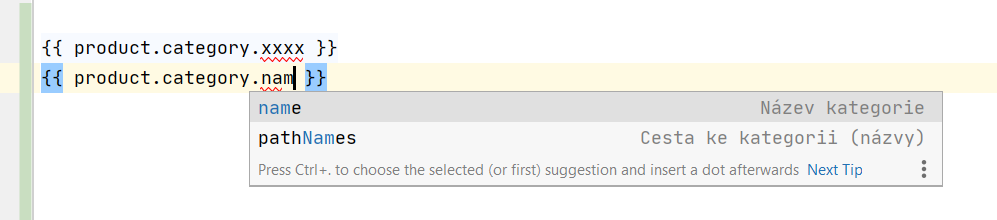
A PhpStorm plugin is available that provides autocompletion for available variables and validates template syntax. After installation, no further configuration is needed — it works automatically for Simplia templates.
Plugin Installation
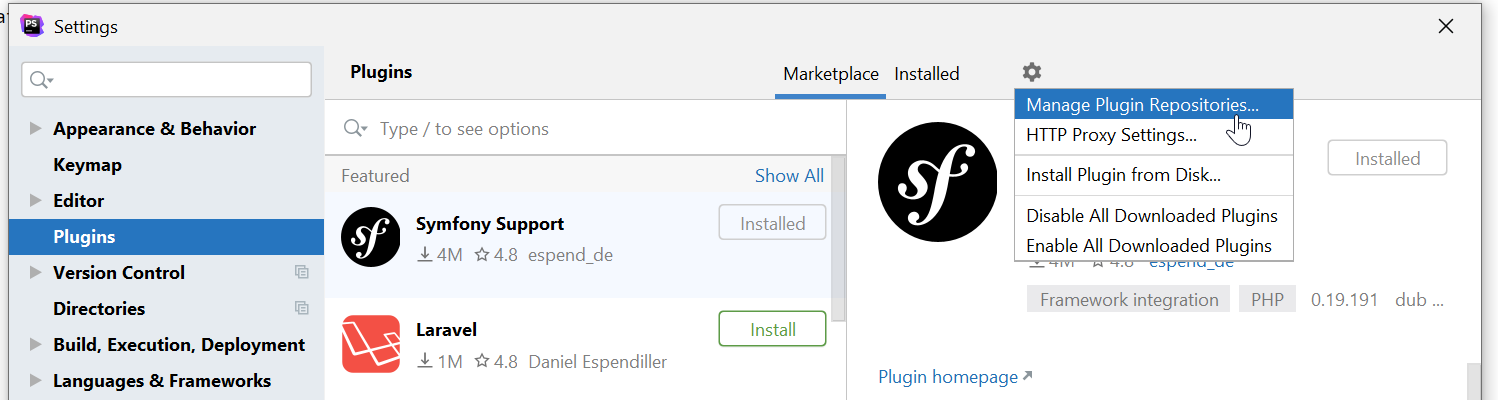
In Settings, under the Plugins section, click the gear icon and select Manage Plugin Repositories.
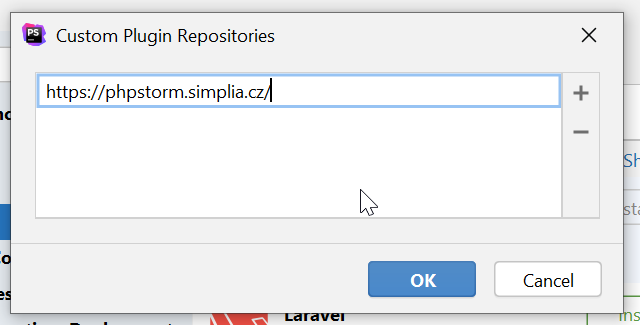
Add the URL https://phpstorm.simplia.cz
Search for and install the Symfony Support and Simplia templates plugins. After installing the plugins, restart PhpStorm.
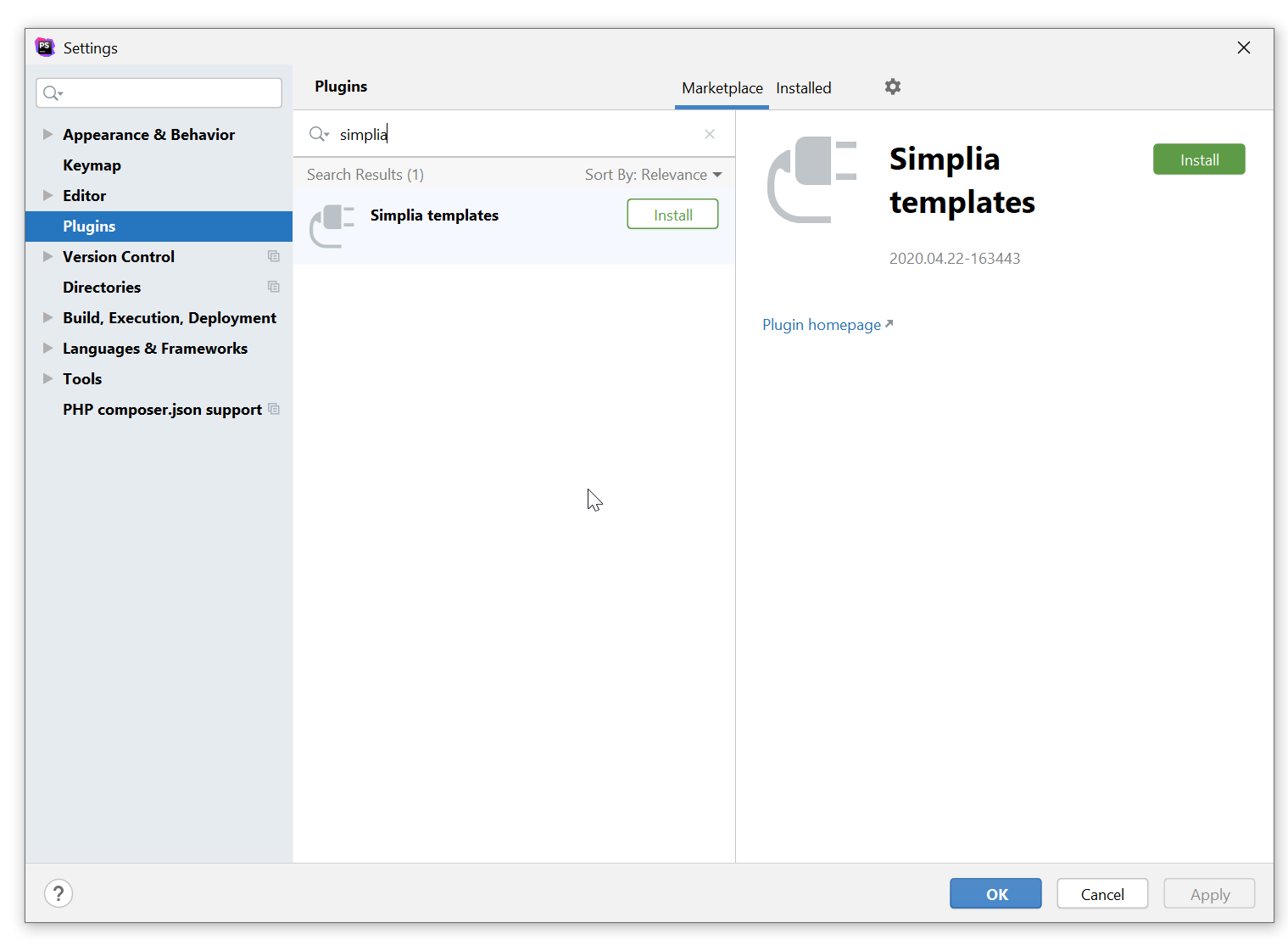
Autocompletion will be automatically available in templates of e-shops using the new syntax. If an update is released (for example, when a new object is added to templates), PhpStorm will offer it automatically.
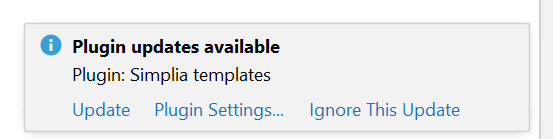
Syntax Validation
Configuring Inspections
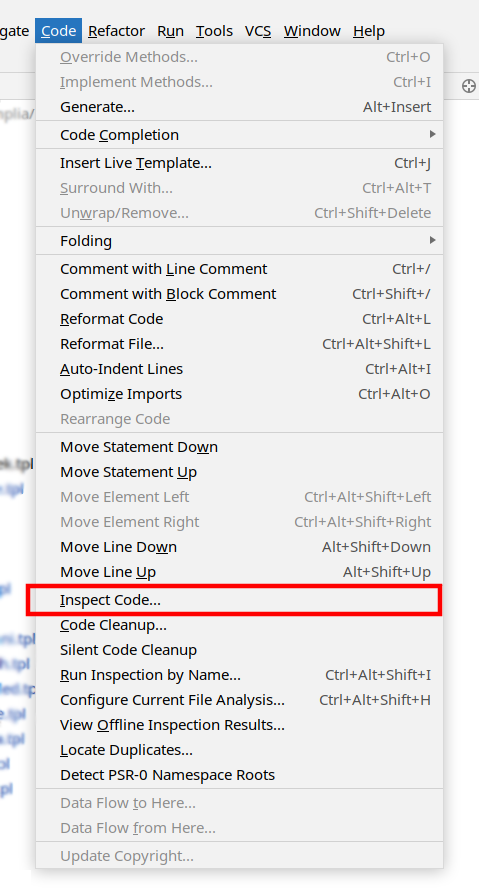
In the menu, select Code > Inspect Code:
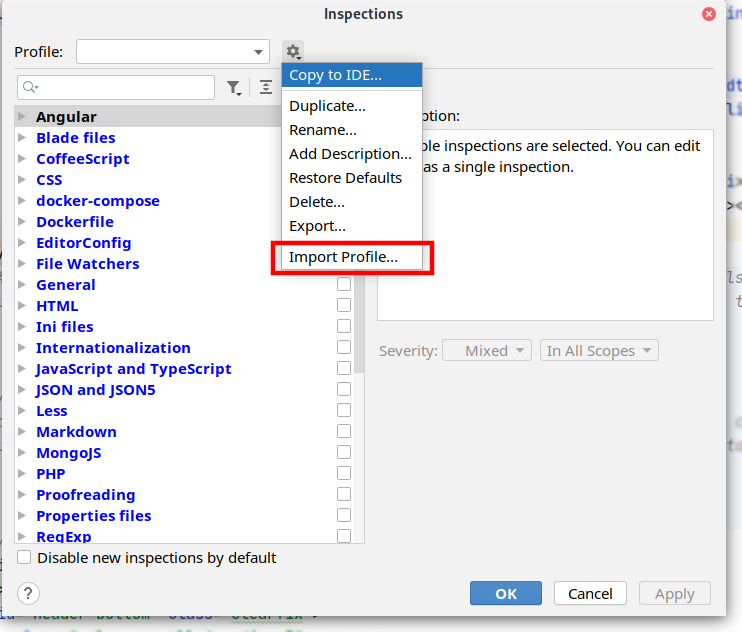
Create a new profile by clicking the three-dot button ...:
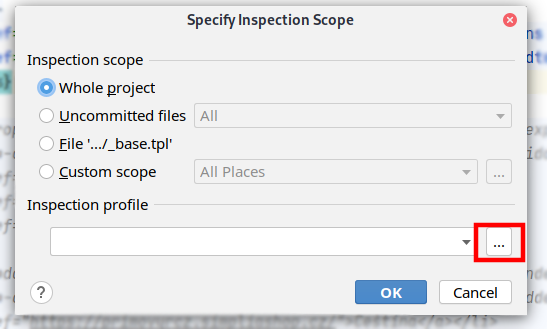
Download the Simplia.xml inspection definitions file and import it into PhpStorm — select the downloaded file and click OK.
Running Inspections
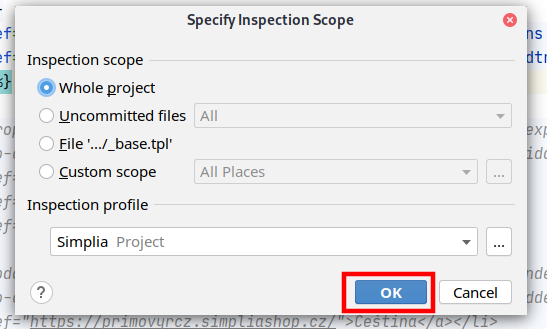
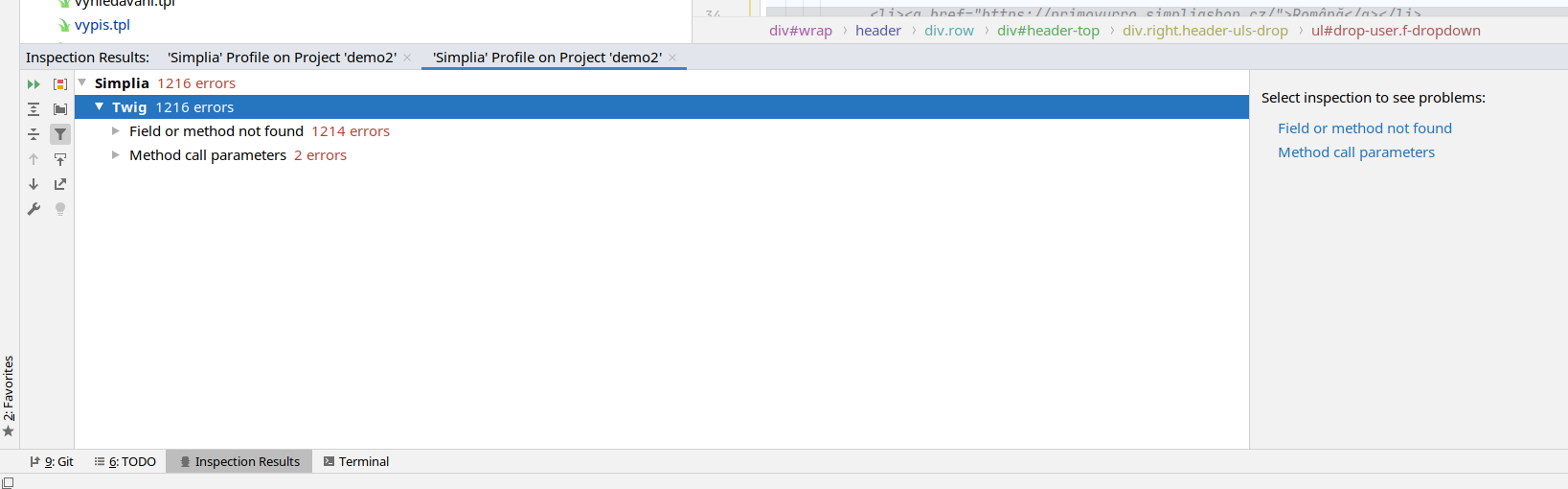
In the menu, select Code > Inspect Code:
AI Agents and Machine Processing
For AI agents and automated tools, the documentation site provides machine-readable resources:
- llms.txt / llms-full.txt — the entire template documentation in a text format optimized for LLM processing. Suitable for loading the full documentation context at once.